
Start from a theme, or bring your own storefront
Live themes cover retail, fashion, food, and more. If the layout is wrong, a developer builds on the Storefront API — same catalog, checkout, and COD. You do not rebuild Pathao.
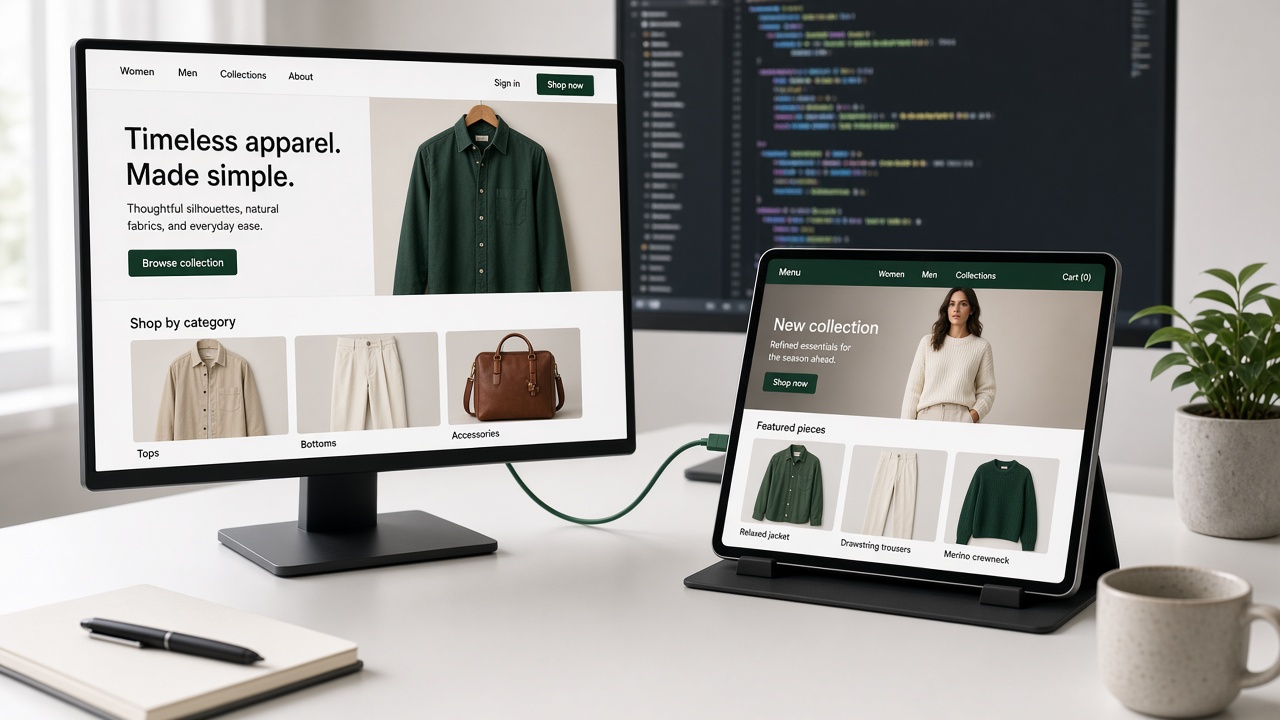
Most Bangladesh platforms sell one storefront. You get their template. If it is wrong, you live with it, or you leave.
StoreOS sells the commerce stack twice.
Merchant path. Pick a theme, change colors and copy in the console, publish a shop. The live themes are on /themes: everyday retail, fashion, coffee, jewellery, books, restaurants, automotive, and more. Anything marked Coming soon does not ship yet.
Developer path. Skip the theme. Install @storeos/storefront-client, pass the tenant, build Next.js, React, Vue, Svelte, or a mobile app. The console is the same either way: products, orders, COD, Pathao, Steadfast.
Shopify splits this into Online Store and Hydrogen. We run both on one backend.
When a theme is enough
Apparel, a clean catalog, COD, Pathao. You do not want a repo. Start with Starter, or the live theme closest to your category. Page builder is in the customizer. Custom domain is on a paid plan.
Free still lets you load products (50), look at the builder, and take COD orders. A custom domain starts on a paid plan. Pricing is the live catalog.
When you should bring your own frontend
The theme cannot do the brand. You already have a Next.js site. You are an agency. You need a storefront that is not a template.
Build on the API. Do not rebuild checkout, phone OTP, stock, or courier booking.
GearHaat (gearhaat.com) and Sporty BD (sportybd.com) already work this way. We name the URLs. We do not publish quotes or GMV.
What not to confuse
Headless is not the merchant headline. If you sell from Facebook, start with a theme. If a developer is in the room, they can throw the theme away later without throwing the orders away.
Docs stay at /docs. The shortest custom path is building a headless storefront. This page is the fork: theme or custom, same console. Product notes that do not fit a doc live on the StoreOS blog.
Related posts
- Trade Licence and DBID for Online Shops in BangladeshDo you need a trade licence to sell online in Bangladesh? What DBID is, the papers each ne…
- bKash Merchant vs Personal Retail Account for Online ShopsNo trade licence? See how a bKash Personal Retail Account differs from a Merchant account,…
- Building a headless storefront on StoreOSFrom an empty Next.js app to a working catalog, cart, and checkout using the StoreOS TypeS…