
Building a headless storefront on StoreOS
From an empty Next.js app to a working catalog, cart, and checkout using the StoreOS TypeScript SDK.
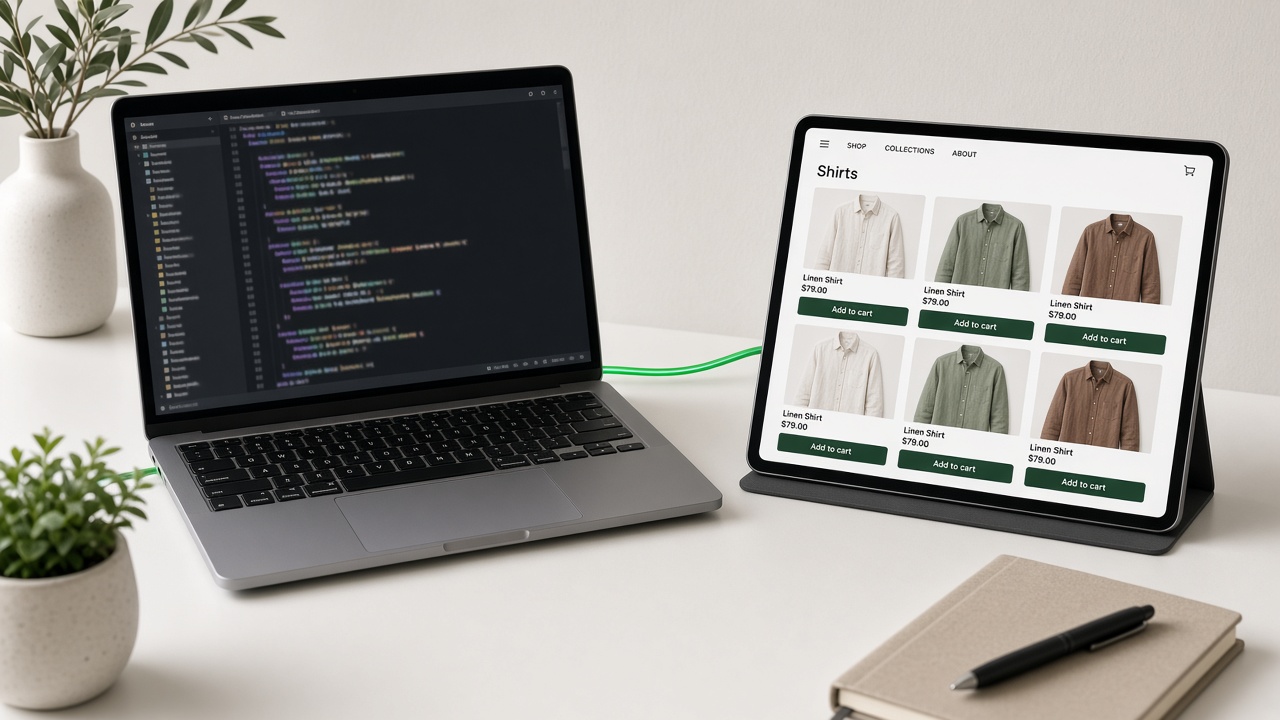
A headless storefront is just a frontend that talks to a commerce API. StoreOS gives you the API — catalog, cart, checkout, orders, auth — and stays out of the way of how you render it. Merchants who are not ready for a repo can start from a theme instead.
Here is the shortest path from an empty app to a working store.
Install the SDK
bun add @storeos/storefront-clientThe client is a typed wrapper over the REST v1 API. Everything you can do over HTTP, you can do through it with autocompletion.
Configure your tenant
import { createStorefrontClient } from "@storeos/storefront-client";

export const storefront = createStorefrontClient({
  baseUrl: process.env.NEXT_PUBLIC_STOREOS_API_URL!,
  tenant: process.env.NEXT_PUBLIC_STOREOS_TENANT!,
});
Both values come from your StoreOS console. See environment variables for the full list.
Fetch a catalog
const { products } = await storefront.products.list({ limit: 24 });Render it however you like. There is no theme layer to fight, no template language to learn — it is your component tree and your data.
Wire up checkout
Checkout is the part most teams underestimate. StoreOS models it as an explicit flow so you are never guessing what state an order is in:
- Create a cart
- Add line items
- Attach a customer and address
- Select a shipping method
- Confirm
The checkout guide walks each step with request and response shapes.
What next
- First API request — confirm the tenant and catalog before you build pages
- StoreOS blog — why these notes exist, separate from the changelog
- React SDK — providers, hooks, and cart state
- Phone OTP — the auth method most Bangladeshi shoppers expect
- GraphQL API — if you prefer queries over REST
Related posts
- Trade Licence and DBID for Online Shops in BangladeshDo you need a trade licence to sell online in Bangladesh? What DBID is, the papers each ne…
- bKash Merchant vs Personal Retail Account for Online ShopsNo trade licence? See how a bKash Personal Retail Account differs from a Merchant account,…
- Introducing the StoreOS blogProduct updates, engineering notes, and guides for building commerce in Bangladesh — now i…