How to reduce fake orders and returns in COD in Bangladesh
Reduce fake orders COD Bangladesh sellers face: verify the phone, confirm before dispatch, show the full price, and stop shipping to repeat no-shows.
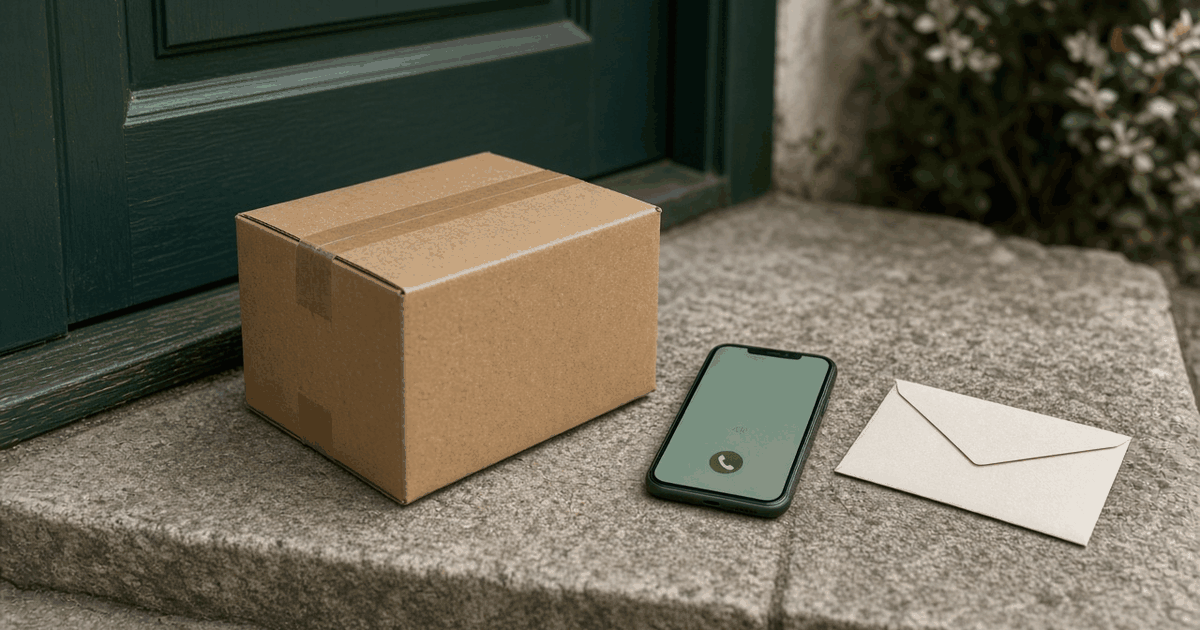
Every COD seller in Bangladesh has met the order that was never real. A wrong number. A prank. A customer who changed their mind and stopped answering the phone.
You can reduce fake orders on COD in Bangladesh. You cannot remove them. This guide is about the steps that cut the most waste before the parcel leaves your shelf.
It is a companion to when a COD parcel comes back, which covers what to do after a return. This one is about stopping the return before it starts.
Reduce fake orders on COD: know what you are fighting
Not all failed COD orders are the same. Treat them differently.
- Fake or prank orders. Wrong number, made-up name, no intent to buy.
- Impulse orders. The buyer was keen at 1am and cooled off by morning.
- Wrong expectation. The photo or size chart led them to expect something else.
- Not home. The buyer is real but missed the courier.
- Price or delivery shock. The delivery charge showed up late.
Each has a different fix. Phone checks help with 1 and 2. Better product pages help with 3. Clear delivery terms help with 4 and 5.
We do not publish a "typical return rate". Rates vary by product, price, and city, and numbers floating around the internet are rarely sourced. Count your own.
Step 0: Count your own numbers
Before you change anything, spend a week writing down:
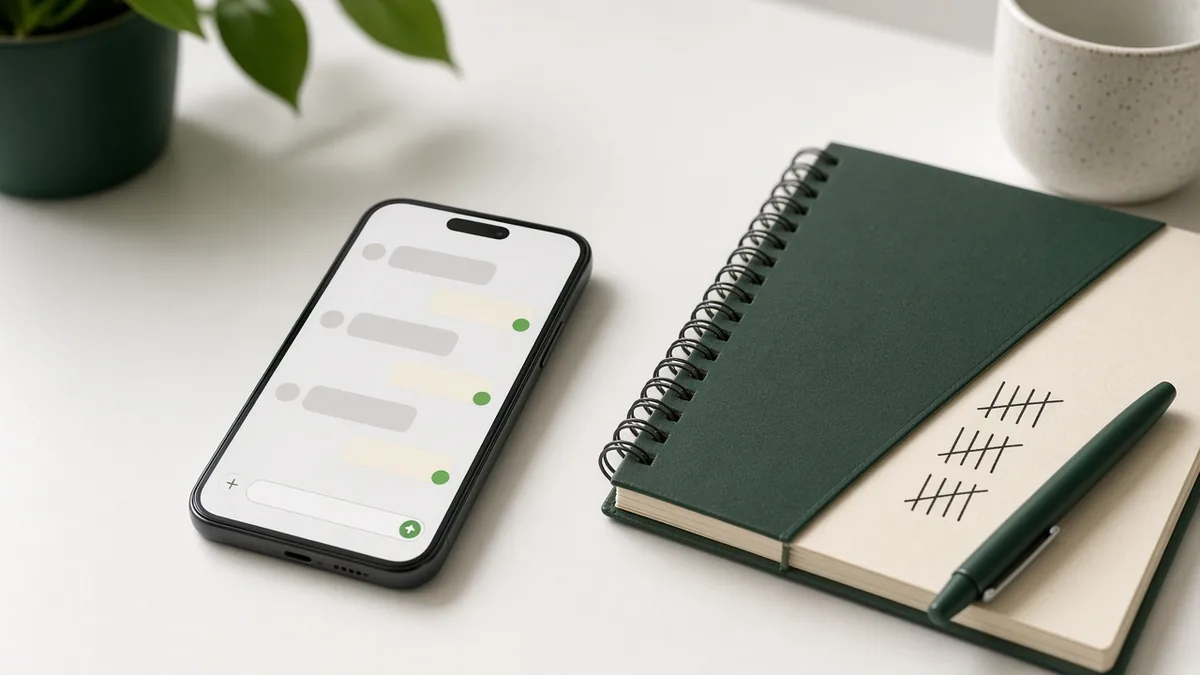
- Orders placed
- Orders confirmed by phone
- Parcels delivered
- Parcels refused
- Parcels not reached
Keep it simple: a count per week for each. After a month you will see where the loss is. Maybe it is one product, one area, or orders placed late at night.
Step 1: Make the phone number real
The most useful single check is a number that belongs to a living person.
Guest checkout with a Bangladeshi mobile number and an SMS code means the buyer must hold the handset to place the order. That does not stop every fake order. It stops the order that was typed with a made-up number. We covered the reasoning in phone OTP checkout in Bangladesh.
On StoreOS, customers can sign in with phone OTP, and checkout works as a guest. Use it. Do not make email the front door.
Step 2: Confirm before you dispatch
Call or WhatsApp every new customer once, especially on higher-value orders and first-time buyers.
Keep the script short:
- "Hello, this is [shop name]. You ordered [product, size] for [total]. Is the address [address] correct?"
- "Delivery is in [x] days. The courier will call you."
- "You pay on delivery. You can check the parcel at the door."
If they do not answer, try again once. If they still do not answer, hold the order and send one message. Do not ship to a number that never picks up.
This costs a few minutes per order. A returned parcel costs more.
Step 3: Show the full price before the order
Many refusals are about money. The customer saw Tk 900 on the post. The courier arrives and asks for the product price plus delivery.
Show the delivery charge at checkout, before the buyer presses the button. Set inside Dhaka and outside Dhaka charges in your store settings, so the total on screen is the total on the doorstep. Our delivery charge guide explains how to set them.
If you offer a coupon, make sure the total shows after the discount. Surprises at the door lead to refusals.
Step 4: Fix the product page
A lot of "wrong parcel" returns were set up by the product page.
- Photos that show the real color in daylight.
- A size chart in centimetres or inches, with a note on how to measure.
- Material and what is in the box.
- A clear statement of what is not included.
If three people in a month return the same product for "different from photo", change the photo. Read our product description tips.
Step 5: Use a small advance for risky orders
For higher-value or high-risk orders, ask for a small advance by mobile wallet before dispatch. Keep it fair and clear. Explain it in plain words: "To book this item for you, we ask for Tk X in advance. The rest is COD."
This is your policy, not a platform rule. Apply it only where you need it, such as expensive items, custom orders, or a customer who has refused before. If you connect the bKash plugin with your merchant credentials, you can take online payment at checkout. See payment methods for your store.
Do not make advance payment mandatory for everyone on day one. Many first-time buyers will leave. We explained why in why COD still wins.
Step 6: Keep a record of who refused
If a number refuses two parcels, stop shipping COD to it. You will need a record to do this.
Keep in the order list: phone, name, address, what was ordered, and what happened. When a refused order comes back, note it. A console order survives the chat thread you archived. A scribble on a notebook does not.
StoreOS keeps orders and customers in one place, so you can look up a number before you dispatch. We do not claim an automatic block list. Your rule, your record.
Step 7: Book the courier from the order
Typos cost deliveries. A wrong area, a missing house number, a phone digit swapped. If you copy from chat into a courier panel, mistakes happen.
On a paid plan, StoreOS books Pathao or Steadfast from the order with the same address and phone the customer entered. See booking couriers from orders. Webhooks sync status back, so you see when a parcel was delivered or not.
Step 8: Put the unit back on the shelf
When a parcel returns, do not leave it in limbo. Check the item. If it is fine, put it back in stock. If it is damaged, note it. A wrong stock count leads to overselling later. See inventory management for small business.
What not to do
- Do not turn COD off because of returns. First-time buyers still expect it.
- Do not shame customers in public posts.
- Do not rely only on blog-post courier rates. Read your own merchant panel.
- Do not skip the phone call to save time.
A simple checklist
Use this for every order:
- Phone verified by OTP or call.
- Address complete: area, road, house, landmark.
- Delivery charge shown at checkout.
- Confirmation message sent.
- Parcel packed with the right size and color.
- Courier booked from the order.
- Return noted if it comes back.
FAQ
How can I reduce fake orders in COD?
Verify the phone number, confirm by call or WhatsApp before dispatch, show the delivery charge before checkout, and stop shipping to numbers that have refused before.
Should I stop offering COD?
Usually no. New customers still expect it. Reduce the risk instead with phone checks and clear pricing.
Can I ask for advance payment?
Yes, for orders you consider risky or high value. Explain it clearly and keep it small. Do not require it from every customer if you want first-time buyers.
Does phone OTP stop all fake orders?
No. It stops orders placed with a number the buyer does not hold. It does not stop a real person who changes their mind. Combine it with a confirmation call.
Create a free store to set up phone OTP checkout and load your catalog. COD orders and courier booking start on a paid plan. See pricing.
Related reading
- Best ecommerce platform in Bangladesh: how to chooseChoosing the best ecommerce platform in Bangladesh? Use this 12-point checklist: COD, cour…
- Delivery charge strategy for ecommerce in BangladeshDelivery charge ecommerce Bangladesh stores can live with: inside vs outside Dhaka, free s…
- Ecommerce SEO in Bangladesh: basics for a new online storeEcommerce SEO Bangladesh basics for a new store: product titles, categories, speed, Search…