Payment gateway in Bangladesh for an online store
Choosing a payment gateway in Bangladesh for your online store? How COD, bKash, Nagad, SSLCommerz and cards fit, what to check, and when to add each.
Choosing a payment gateway in Bangladesh for your online store is harder than it sounds. Buyers pay in more ways than most store platforms were built for. Cash on delivery. bKash. Nagad. Cards. Bank transfer. Which should your store offer first?
This guide helps you choose without overbuilding on day one. It explains what each method is good for, what to check before you sign up, and what order to add them in.
We do not quote gateway fees in this post. Fees and onboarding rules change. Read the current terms on each provider's own site and in your merchant agreement.
The short answer
- Start with cash on delivery.
- Add one wallet or gateway when repeat customers ask.
- Keep COD on after you add online payment.
- Test with the provider's sandbox before you take real money.
That is it. The rest of this post is the detail.
Cash on delivery: the default
Many first-time buyers want to see the parcel before they pay. That is a trust matter. A buyer found you on Facebook, they like the photo, and they have heard stories about wrong sizes and copies. COD moves the risk to you. We explained this in why COD still wins in Bangladesh.
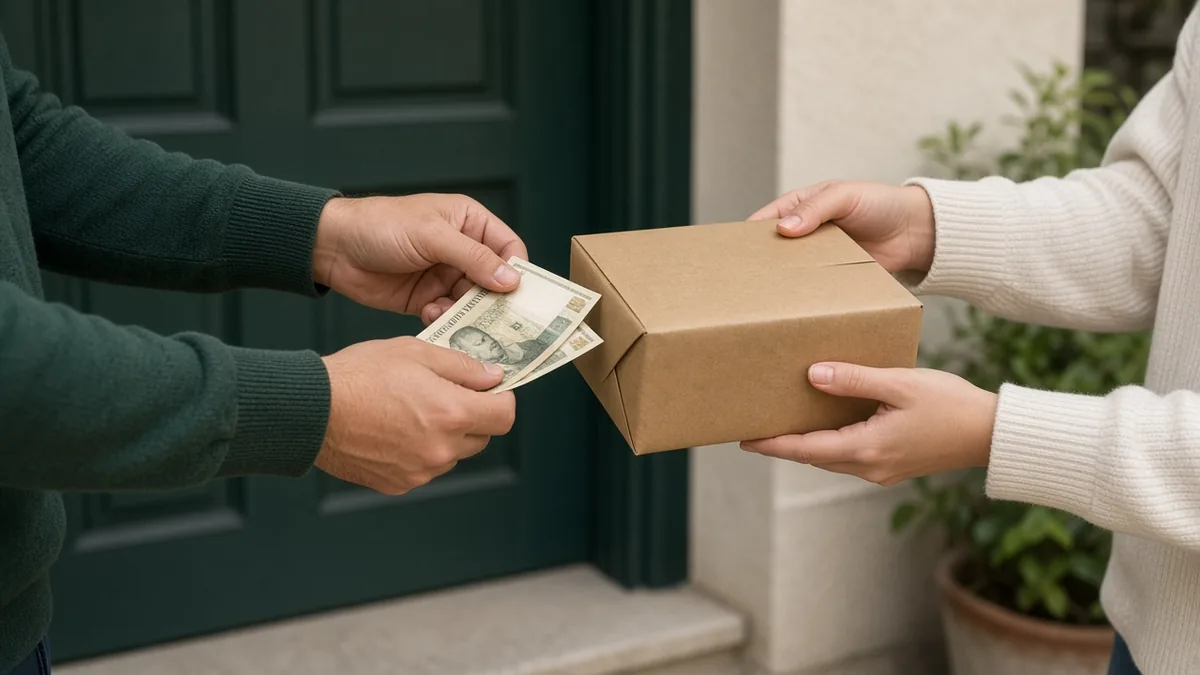
COD needs no gateway account. It does need care: fake orders, refusals, and return trips. See how to reduce fake orders and returns in COD.
On StoreOS, COD is a checkout method and starts on a paid plan. Free does not take COD orders.
bKash
bKash is a mobile wallet that most Bangladeshi shoppers know. For a store, it lets a customer pay online during checkout without handing over cash.
When it fits:
- Repeat customers who trust you.
- Higher-value orders where you want some money upfront.
- Customers who live far from you and want to avoid the wait.
What to check:
- You need a merchant account with bKash. Ask them what documents they require now.
- Ask about live and sandbox credentials. Test in sandbox first.
- Confirm how and when settlements reach your bank account.
StoreOS has a bKash plugin. You enter your credentials from the bKash merchant portal, check the configuration, and save. Sandbox and live credentials can sit side by side, and you choose which mode is active.
Nagad
Nagad is another widely used mobile wallet. Many buyers have both bKash and Nagad.
Be careful here. Whether you can offer Nagad depends on the gateway or the direct integration you use. In the StoreOS plugin catalog today, bKash and SSLCommerz are the payment plugins. There is no separate Nagad plugin. Check with your gateway whether Nagad is enabled on your account, and test it before you promise it to customers.
SSLCommerz
SSLCommerz is a payment gateway. The StoreOS plugin listing describes it as covering cards, mobile banking, and wallet payments through one integration. For a store, one gateway can cover several ways to pay.
When it fits:
- You want cards and several wallets without integrating each one.
- You want one merchant relationship.
What to check:
- Which payment options are actually switched on for your merchant account.
- How the callback or IPN URLs work. You paste them into your merchant panel.
- Settlement time and any reserve or minimum.
StoreOS has an SSLCommerz plugin. You paste your store ID and store password for sandbox or live, register the callback URLs shown on the settings page, and save.
Cards
Card payments suit some customers, especially for higher-value products and buyers who prefer not to use wallets. In Bangladesh, cards usually come through a gateway rather than directly. So the choice is about which gateway supports the cards you need.
Check card types and network coverage with the gateway. Do not assume every card works on every gateway.
Bank transfer
Some buyers, especially B2B or bulk buyers, prefer bank transfer. This is manual. You confirm the transfer and then mark the order. It does not need a gateway. It also does not scale. Treat it as a special case, not a checkout default.
How to choose a payment gateway in Bangladesh for your store
Use a simple rule.
| Situation | What to offer |
|---|---|
| New store, mostly first-time buyers | COD only |
| First repeat customers appear | COD and one wallet or gateway |
| Higher-value items | COD with an advance option for risky orders, or online payment first |
| Many cards requested | A gateway that supports cards |
| B2B or bulk | Bank transfer, handled by hand |
Do not add every method to look modern. Each one is a thing to test, support, and reconcile.
What a good checkout looks like
- COD is visible and works.
- Online payment is labeled clearly, with the logo of the method.
- The total including delivery is shown before payment.
- If online payment fails, the customer can retry or switch to COD.
- Confirmation shows an order number.
Keep the page short. Every extra field costs you orders. Phone OTP and guest checkout keep it short, as we explained in phone OTP guest checkout.
Test before you go live
A payment bug at launch costs money and trust.
- Turn on sandbox mode for the gateway.
- Place a test order with the test credentials the provider gives you.
- Confirm the order status updates correctly in your console.
- Test a failed payment and a cancelled payment.
- Switch to live mode.
- Place one small real order and refund or reconcile it with the provider.
Do not rely on a screenshot from a tutorial. Run it yourself.
Reconciling money
Online payment gives you a different cash flow from COD. For each order, know where the money is.
- COD: courier collects, then pays out to you on their schedule. Check your courier panel.
- Wallet or card: gateway collects, then settles to you. Check your gateway panel.
Keep a weekly habit of matching the orders in your console with what each provider says it paid. Differences are easier to fix when they are a week old, not three months.
Common mistakes
- Dropping COD the day you add bKash.
- Going live without sandbox testing.
- Copying fees from a blog post. Always use the provider's current terms.
- Offering a method you have not tested, such as Nagad on an account where it is switched off.
- Forgetting the callback URL, so orders stay "pending" after payment.
FAQ
What is the best payment gateway in Bangladesh for an online store?
There is no single best one. For most new stores, COD plus one gateway or wallet is enough. SSLCommerz can cover several methods through one integration. bKash is familiar to many buyers. Check the current terms with each provider.
Can I use bKash on my online store?
Yes, if you have a bKash merchant account. On StoreOS, you add your bKash credentials in the bKash plugin.
Do I need online payment to start selling?
No. Many first-time buyers prefer COD. Start with COD and add online payment when repeat customers ask.
Can I offer both COD and online payment?
Yes, and you should. Keep COD on for new customers and add online payment as an option.
What to do this week
- Keep COD on.
- Pick one online method, either a wallet or a gateway.
- Apply for the merchant account and read the terms.
- Test in sandbox, then go live with one small order.
- Set a weekly check of payouts against orders.
Create a free store to set up your catalog. COD and courier booking start on a paid plan. Check pricing for the live plans.
Related reading
- Best ecommerce platform in Bangladesh: how to chooseChoosing the best ecommerce platform in Bangladesh? Use this 12-point checklist: COD, cour…
- Delivery charge strategy for ecommerce in BangladeshDelivery charge ecommerce Bangladesh stores can live with: inside vs outside Dhaka, free s…
- Ecommerce SEO in Bangladesh: basics for a new online storeEcommerce SEO Bangladesh basics for a new store: product titles, categories, speed, Search…