Product description tips for ecommerce: phone photos and pages that sell
Product description tips for ecommerce on a budget: how to shoot good phone photos, write clear titles and details, and a checklist for every product page.
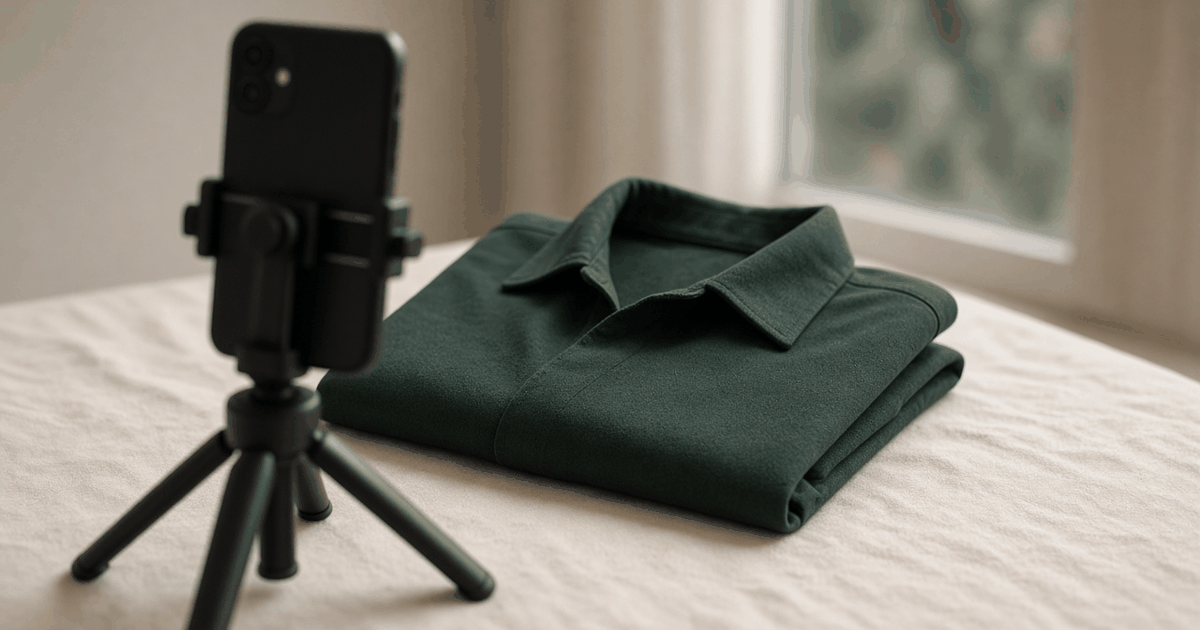
Good product description tips for ecommerce start with one fact: a buyer cannot hold your product. They have a photo, a title, a price, and a few lines of text. That is the whole shop.
These tips are written for a seller with a phone, a window, and no budget. You do not need a studio. You need clear photos and honest, specific words.
A good product page does two jobs. It helps the buyer decide yes. And it helps the wrong buyer decide no, before they order and return the parcel.
Photography first: what you need
- A phone with a decent camera. Clean the lens.
- A window with daylight. No direct sun.
- A plain background: a white sheet, a plain wall, or a large sheet of paper.
- Something to hold the product: a table, a chair, or a hanger.
- Optional: a cheap tripod or a stack of books to keep the phone steady.
That is the full kit.
How to shoot with a phone
- Use daylight. Place the product near a window. Turn off yellow room lights, or the color will shift.
- Keep the background plain. Clutter takes attention from the product.
- Hold the phone steady. Use both hands, or rest it on something.
- Fill the frame. The product should be most of the picture.
- Shoot at the product's level. Not from above at a strange angle.
- Wipe and iron. Dust and wrinkles show.
- Take more than you need. Delete the bad ones later.
- Do not over-edit. Brighten a little if needed. Do not change the color. The buyer will compare the parcel to the photo.
Color is the most common photo problem. If the photo shows deep blue and the shirt is navy, you will get returns. Check the photo next to the real item.
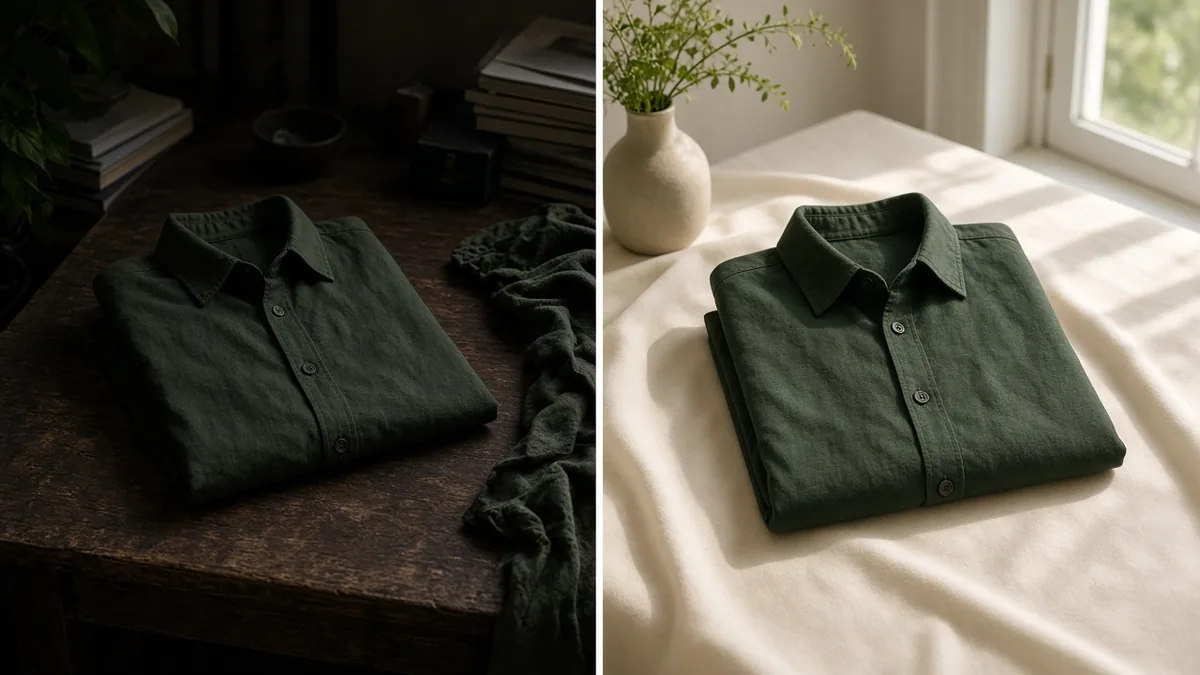
The photo set for each product
Aim for 4 to 6 photos.
- Front. The main photo that appears in the list.
- Back or side.
- Close-up of the material, stitching, or details.
- Scale. The item next to a hand, a ruler, or a model.
- In use. On a person or in a setting.
- What is in the box, if it matters.
Use the same background and light for all of them. A consistent catalog looks professional.
Titles: say what it is
A title is not a slogan. It is a label that a buyer, and a search engine, can read.
Pattern: product type, key detail, color or size.
- Weak: "New Arrival Special Offer"
- Better: "Men's Cotton Panjabi, Navy, Size M to XL"
Put the words a customer would type or say first. Keep the brand name in, if it is known.
Product description tips for ecommerce: be specific
Start with what it is and who it is for. Then give the facts.
Include:
- Material and fabric weight or feel.
- Sizes and measurements.
- Color, with a note if the screen might look different.
- What is in the package.
- Care instructions, if relevant.
- How it differs from similar products, if you can say it honestly.
Keep sentences short. Use a bullet list for specs so people can scan on a phone.
An example, with made-up details
Weak: "Best quality panjabi. Very comfortable. Must buy!"
Better: "Plain cotton panjabi for men. Soft cotton, medium weight. Colors: navy, white. Sizes: M, L, XL. Chest measurements are listed below. Comes in a poly pack. Machine wash cold."
The second tells the buyer what they will receive. It also lowers the chance of a return.
The size chart: your best return reducer
For clothes and shoes, a size chart is not optional.
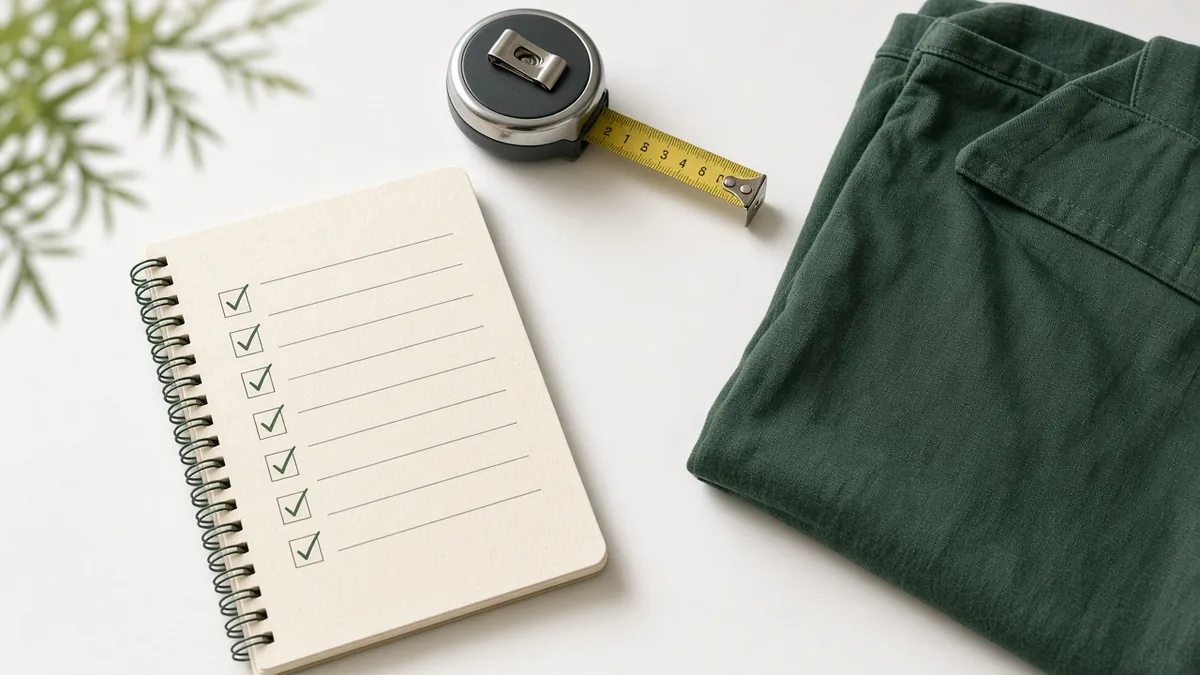
- Give measurements in centimetres or inches, not only "M, L, XL".
- Say where to measure: chest, waist, foot length.
- Tell customers how to choose if they are between sizes.
A good chart cuts "it does not fit" returns. We looked at how returns start in how to reduce fake orders and returns in COD.
Be honest, even when it costs a sale
Do not call a product "original" if it is not. Do not promise a delivery time you cannot keep. Do not use a photo of a better product.
An honest page loses a few buyers. A dishonest page gets returns, bad word of mouth, and wasted courier trips.
Tell buyers what happens next
Short lines on the page can answer the questions you get in chat.
- Delivery charge inside Dhaka and outside Dhaka. See our delivery charge guide.
- Payment options: COD and any online methods.
- Expected delivery time, based on your real parcels.
- Return or exchange rule, in plain words.
- How to contact you: a WhatsApp number.
When these are on the page, you answer fewer messages.
The product page checklist
Use this for every product before you publish.
- Clear title: type, key detail, color or size.
- 4 to 6 photos in daylight on a plain background.
- First photo shows the whole product clearly.
- Color in the photo matches the real item.
- Description with material, size, color, and box contents.
- Size chart with measurements, if relevant.
- Price in taka, correct and current.
- Variants set up (size, color) with stock for each.
- Delivery charge and delivery time shown or linked.
- Return or exchange rule stated.
- Contact method visible.
- Checked on a phone screen.
Variants and stock
If you sell sizes and colors, set them up as variants with a quantity each. When you load the product, count the shelf.
A page that says "M available" when there is none is a bad page. See inventory management for small business. On StoreOS, products, variants, prices, photos, and stock are all in the console, and checkout checks stock when the order is placed.
Reuse what you already have
If you sell on Facebook, you have photos and text in old posts. Pull the best ones. Rewrite the text to be clearer. Delete anything outdated. We wrote about this step in moving a Facebook shop to a real store.
Test with a stranger
Show your page to someone who does not know your product. Ask:
- What is this?
- What size would you buy?
- How much would it cost to get it to your house?
- What would make you hesitate?
Whatever they cannot answer is what to fix.
FAQ
What makes a good product description?
It says what the product is, who it is for, and gives facts: material, size, color, and what is in the box. It is short, specific, and honest.
How many photos should each product have?
Four to six is a good range. Include a front shot, a close-up, a scale shot, and one showing the product in use.
Can I take product photos with my phone?
Yes. Use daylight from a window, a plain background, and a steady hand. Check that the color matches the real item.
Should I copy the supplier's description?
Avoid it. Write your own so it is accurate for the exact product you ship, and so it is not the same text as every other shop.
What to do this week
- Pick your five best-selling products.
- Reshoot them near a window against a plain background.
- Rewrite the titles and descriptions using the checklist.
- Add a size chart where it matters.
- Check each page on your phone.
Create a free store and load your improved product pages. Free includes the website builder and up to 50 products.
Related reading
- How to create an ecommerce website in Bangladesh without a developerBuild an ecommerce website in Bangladesh without a developer: what you need, a step-by-ste…
- How to start an online business in Bangladesh: step by stepHow to start online business in Bangladesh in 8 steps: pick a product, price it, build a s…
- Inventory management for small business in BangladeshInventory management for small business Bangladesh sellers can run: count stock, set reord…